 Agenda
getting organized shouldn't take willpower.
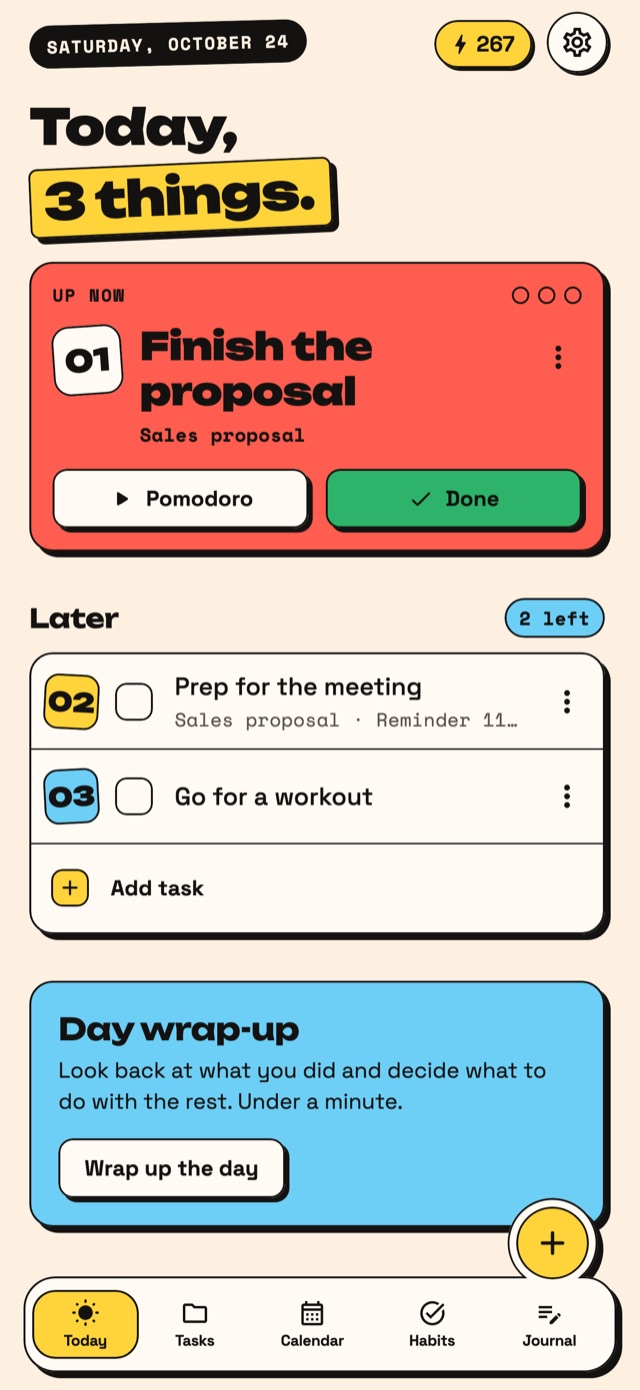
Agenda asks you for one thing: pick three for today. It shows you what's up now, lets the rest wait without guilt, and wraps up your day in under a minute.
Agenda, the planner for easily distracted minds. For iPhone and iPad.
- No ads
- No tracking
- Encrypted in your iCloud
- iPhone and iPad
- English and Spanish
- Large text and VoiceOver
Three steps. Not one more.
-
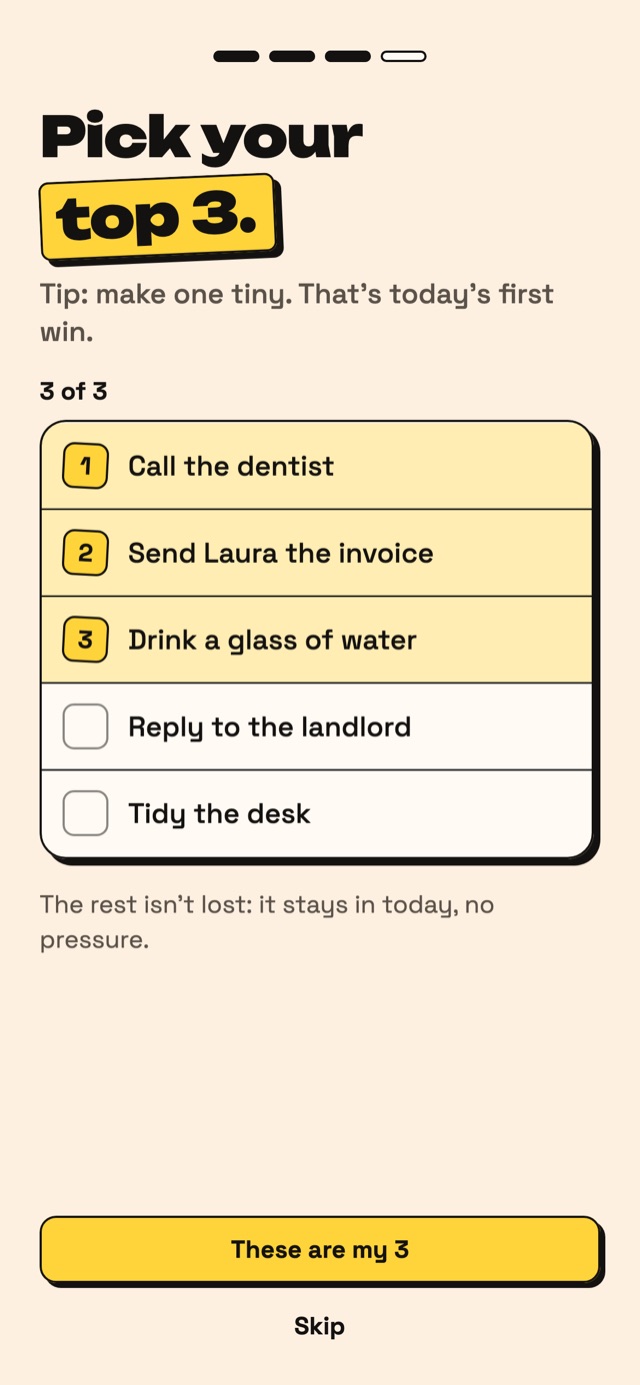
01
Pick three things
Get what's on your mind out of your head and keep three for today.
-
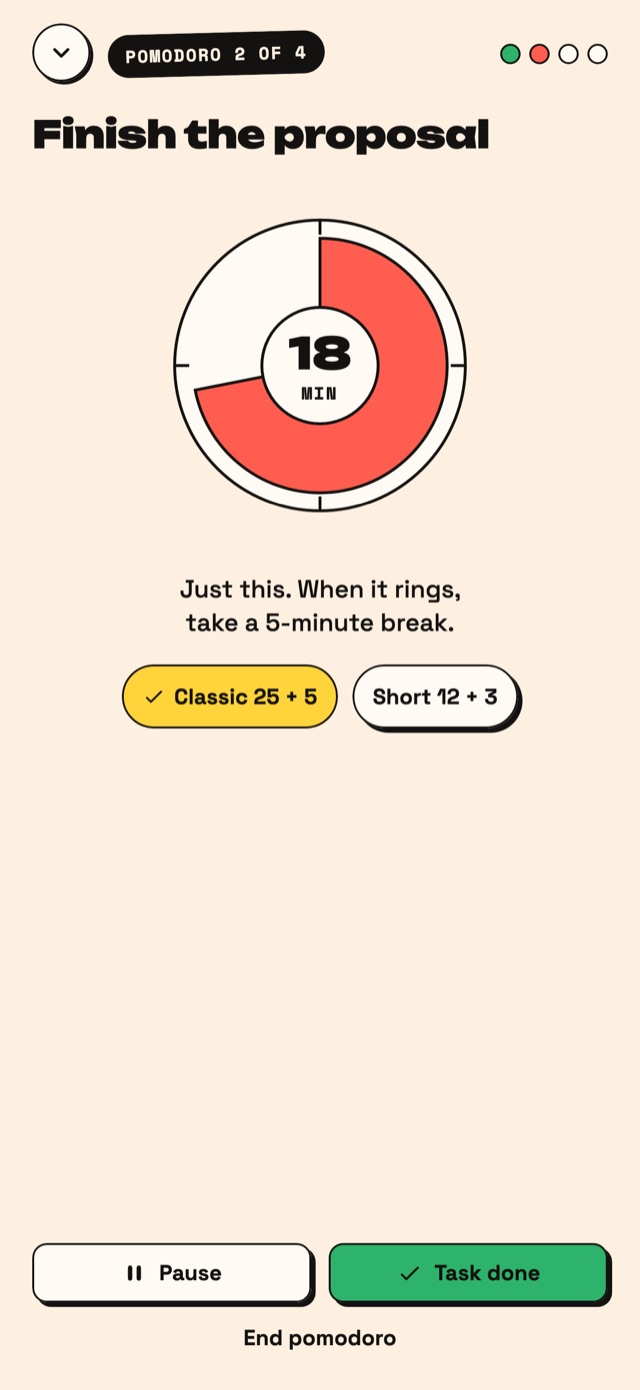
02
Do one at a time
You only see what's up now. And if starting is hard, a 25-minute Pomodoro.
-
03
Close the day
Review what you did, move what's left and jot down how it went. In a minute.
Everything you need. Nothing to distract you.
Widgets
Your three things and your habits on your Home Screen and Lock Screen. Tick them off without opening the app.
Siri and Shortcuts
"Add a task in Agenda", "What's up now in Agenda".
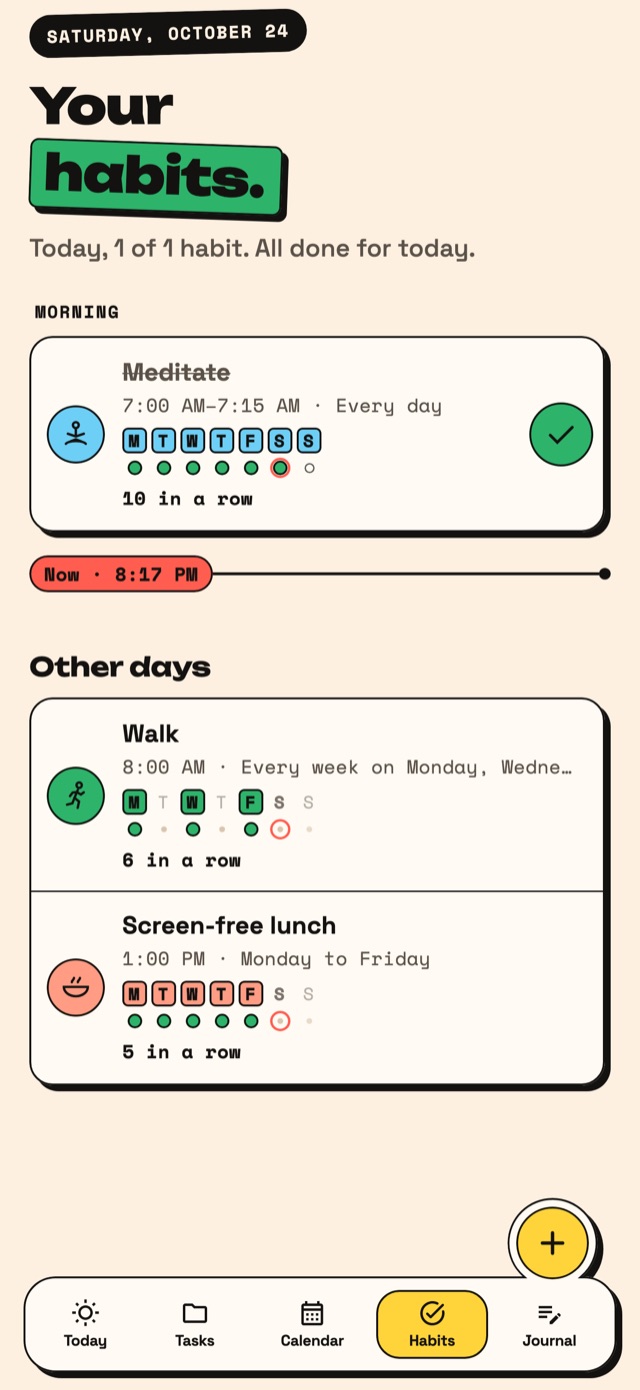
Habits
Check them off with one tap, each in its own time of day.
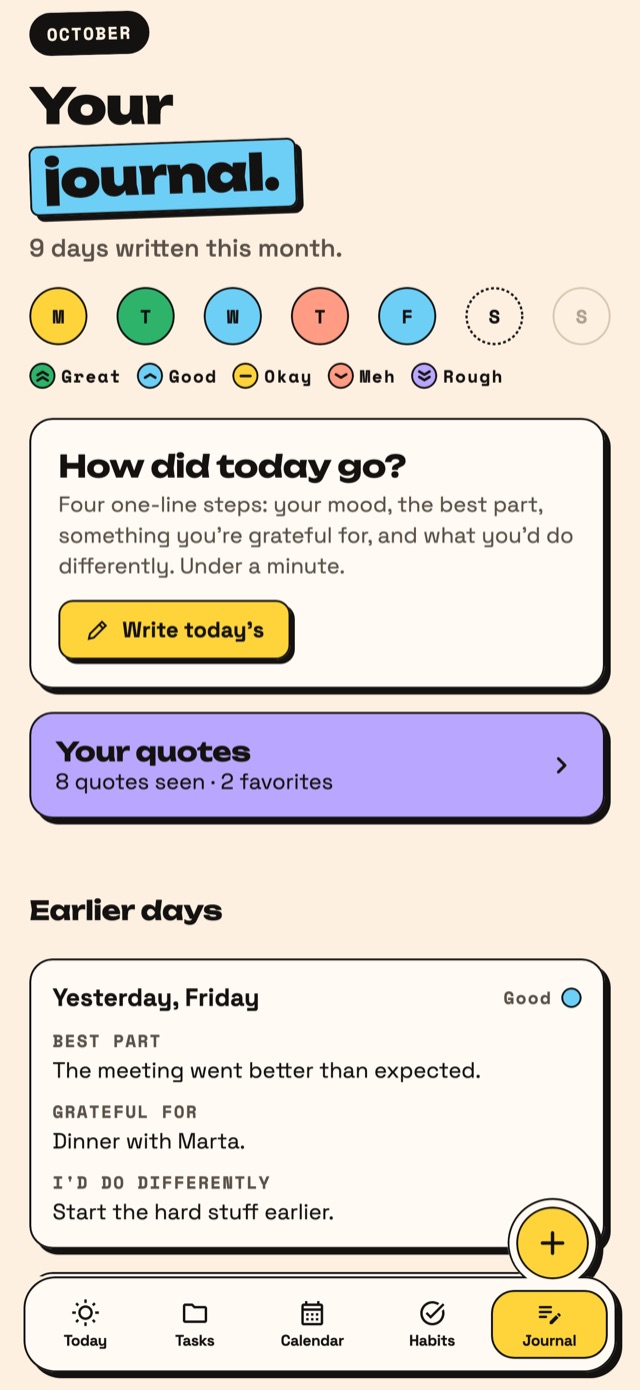
One-minute journal
How the day went, the best part, something you're grateful for, and what you'd do differently.
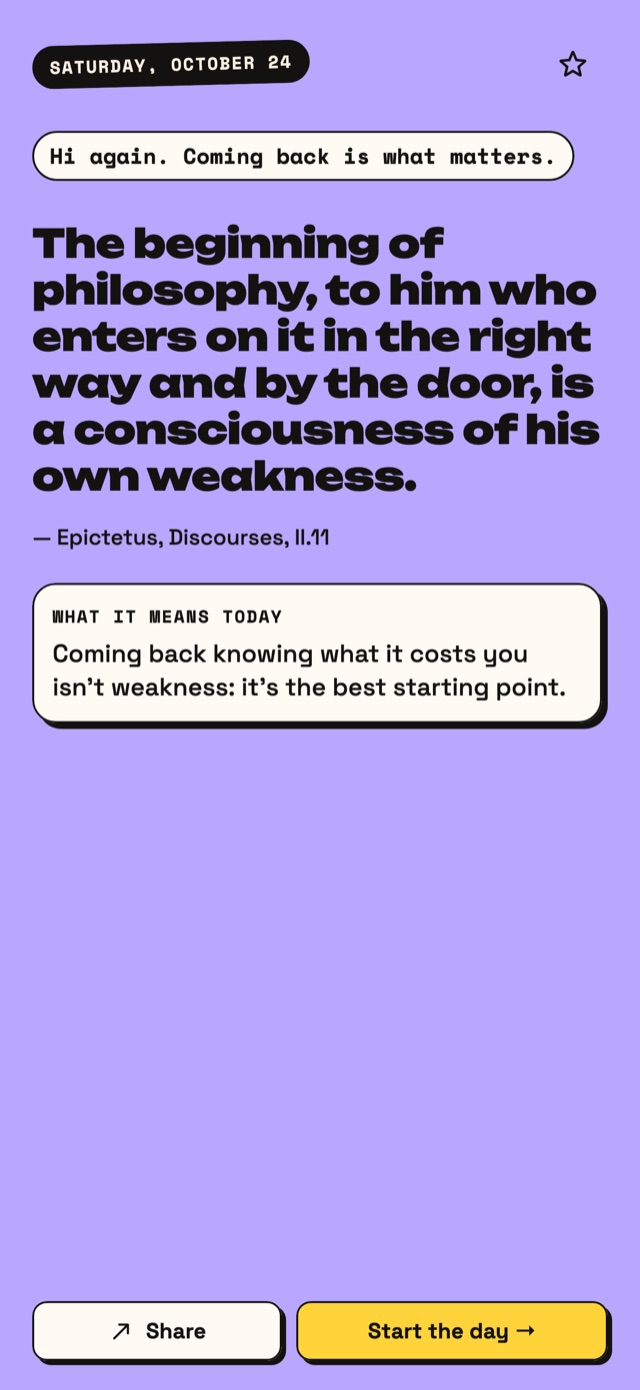
Quote of the day
A real quote, from Seneca to George Eliot, picked based on how yesterday went.
Your week
How busy each day is at a glance, and a three-minute Sunday review.
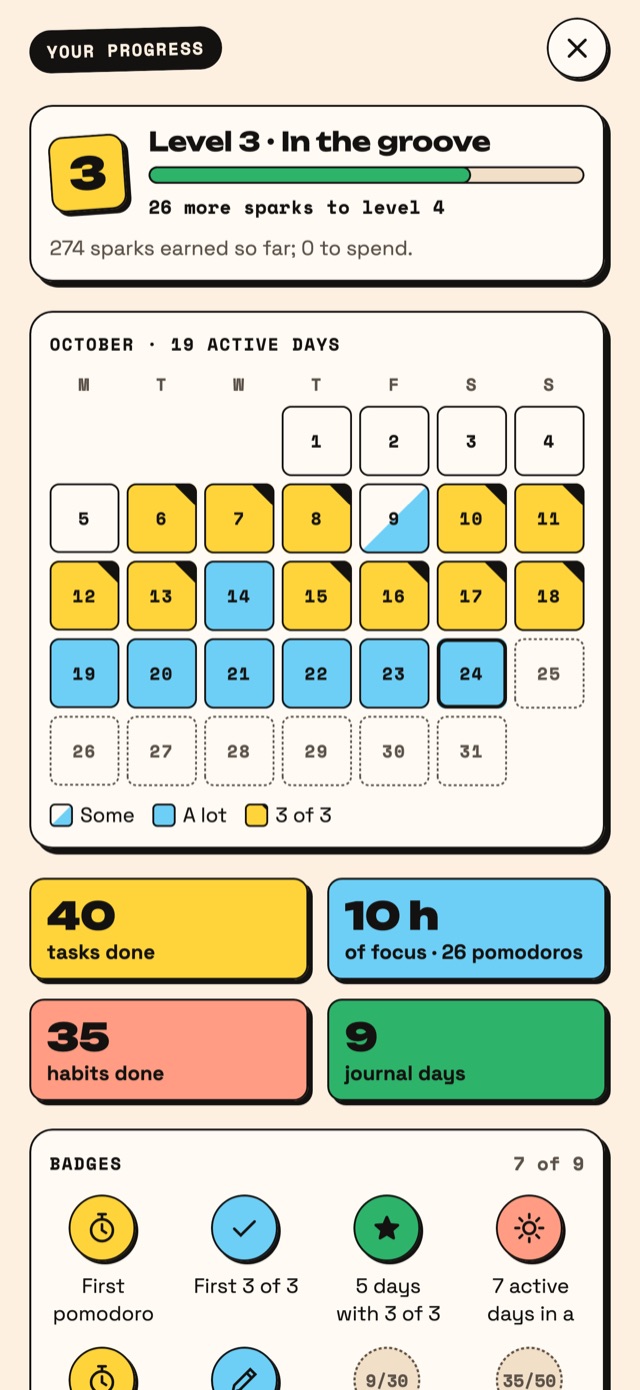
Everything you finish counts.
What didn't happen moves to tomorrow, without making you feel bad. No streaks that hurt here.
For when you want more.
Agenda is free to start. Pro adds what helps you go further, with a two-week free trial on the yearly plan.
Always free: tasks, your 3 priorities, 3 habits, journal, quote of the day, iCloud sync, Siri and the widgets.
- Pomodoro from the widget, with the countdown on it, on your Lock Screen and in the Dynamic Island
- On-device help: suggests your 3 things and breaks tasks into steps
- Color tags and project colors
- Month and year calendar
- Unlimited habits, with reminders
- Several rewards at once
Your planner is yours alone.
No servers, no ads, no analytics. Your data stays on your device and in your iCloud, end-to-end encrypted: neither Apple nor we can read it.
Need a hand?
How do I get my data on my iPad or a new phone?
With iCloud on and the same Apple Account on both, Agenda syncs by itself. On a new phone, install Agenda and your data comes back.
How do I cancel the trial or Agenda Pro?
In your iPhone Settings › your name › Subscriptions › Agenda. Cancel at least a day before the trial ends and you won't be charged. Agenda reminds you two days before.
I have a code. Where do I redeem it?
In Agenda › Settings › "Redeem code".
How do I export or delete my data?
In Agenda › Settings › Data: "Export a copy", or "Delete account and data", which erases it from your device and your iCloud.
Siri doesn't get me, or the widget isn't updating.
Open Agenda once so it catches up. If nothing changes, write to us and tell us which iPhone or iPad you have.
Today, 3 things.
The rest can wait.
Coming soon to the App Store